November 28, 2025
Lovely Professional University Students Setup Guide


These are the guidelines for LPU (Lovely Professional University) students on how to set up their Topcoder accounts, complete onboarding, and join Discord.
Topcoder Registration
These are the steps to register on Topcoder:
Check the video below for how to register on Topcoder or follow the listed steps:
https://www.youtube.com/watch?v=ZNd_2b1Zvp0
Click on the Get Started button from the LPU Homepage.
Note: Please use this button exclusively to register to remain part of the LPU University group on Topcoder and access associated opportunities.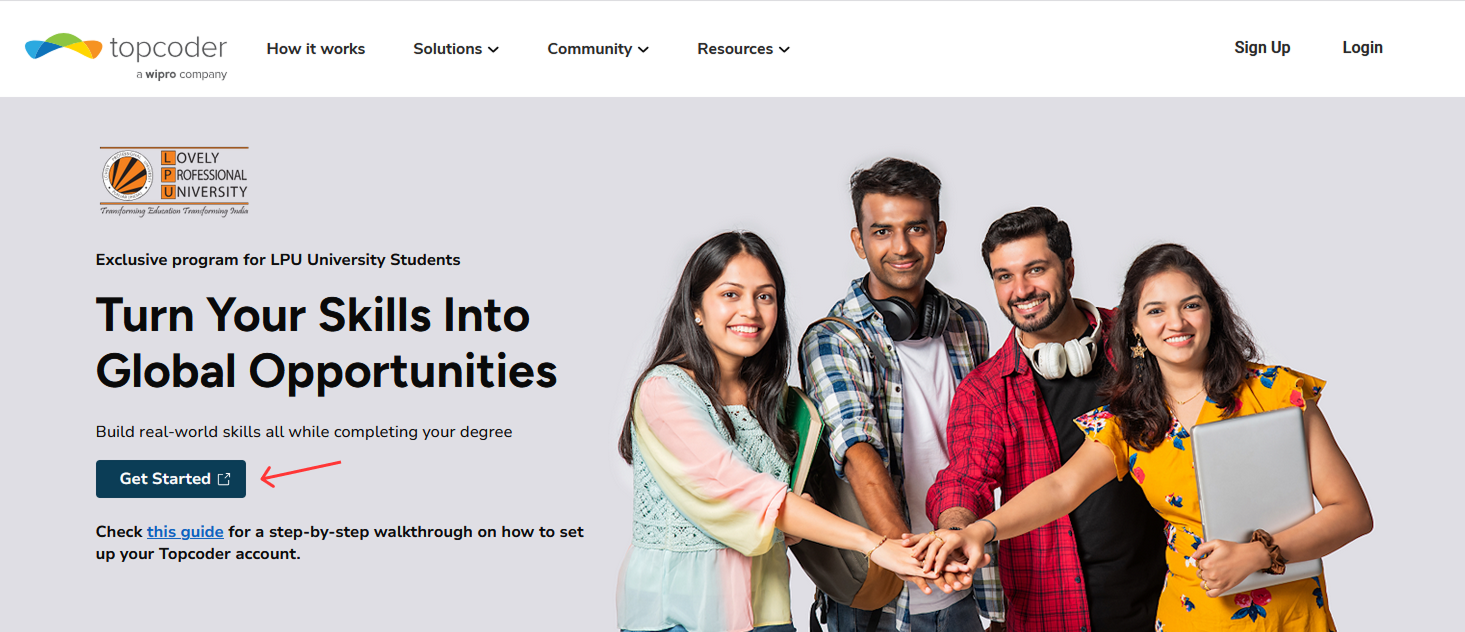
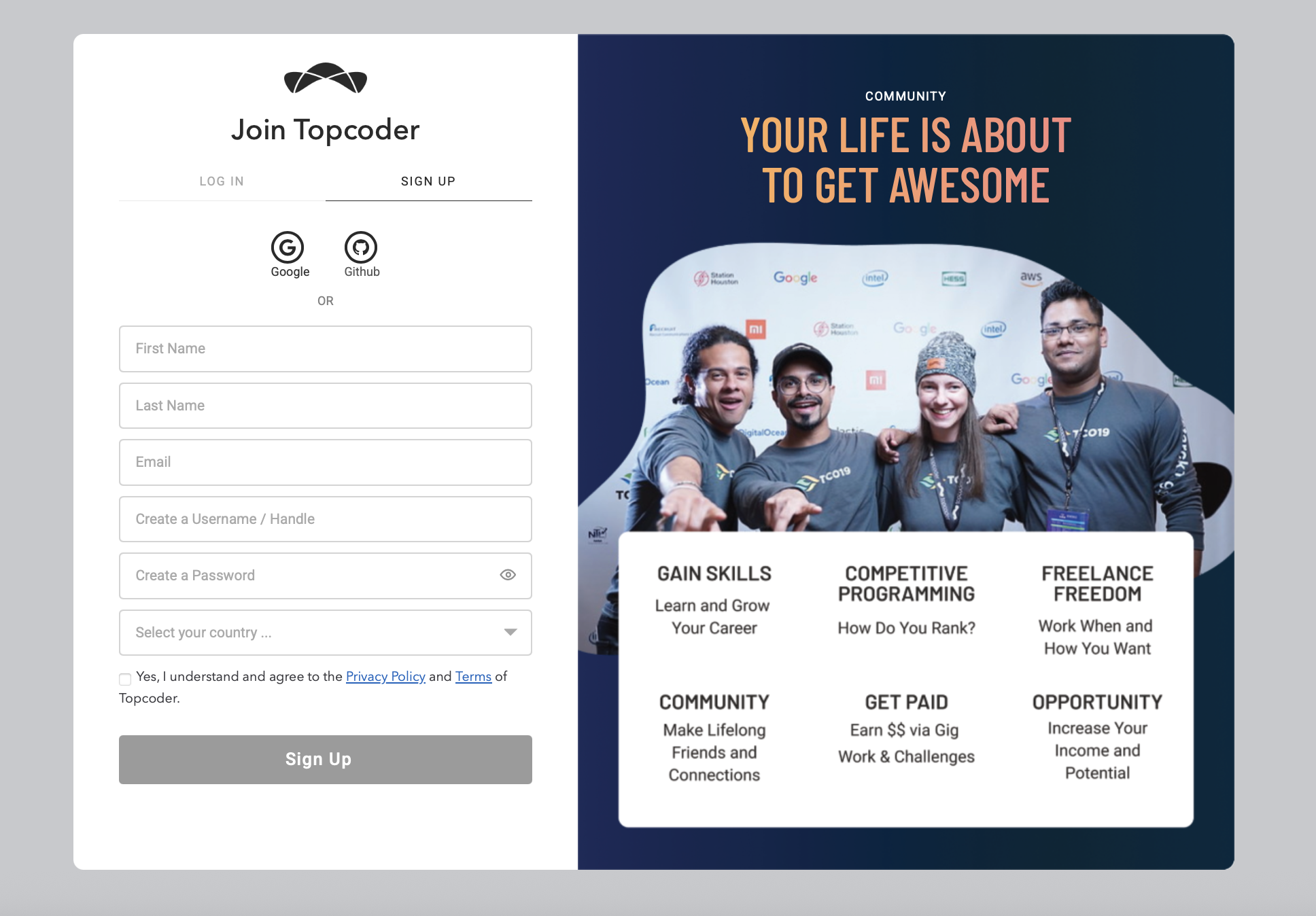
You will be taken to the Topcoder Login up page. Click on Sign up tab and provide the required details and Sign up
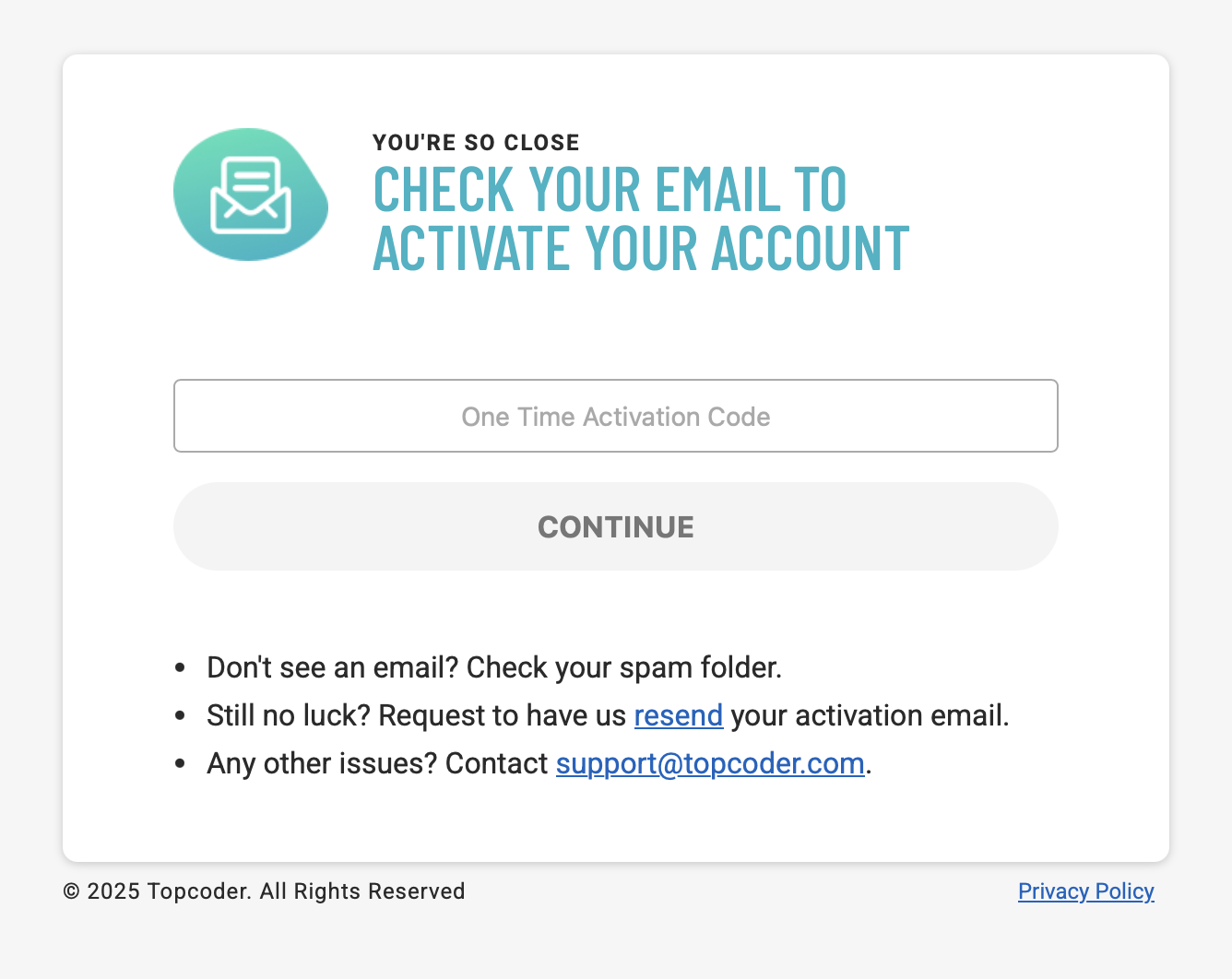
Check your email for account activation code and enter it
Set up your MFA (Multi-Factor Authentication)
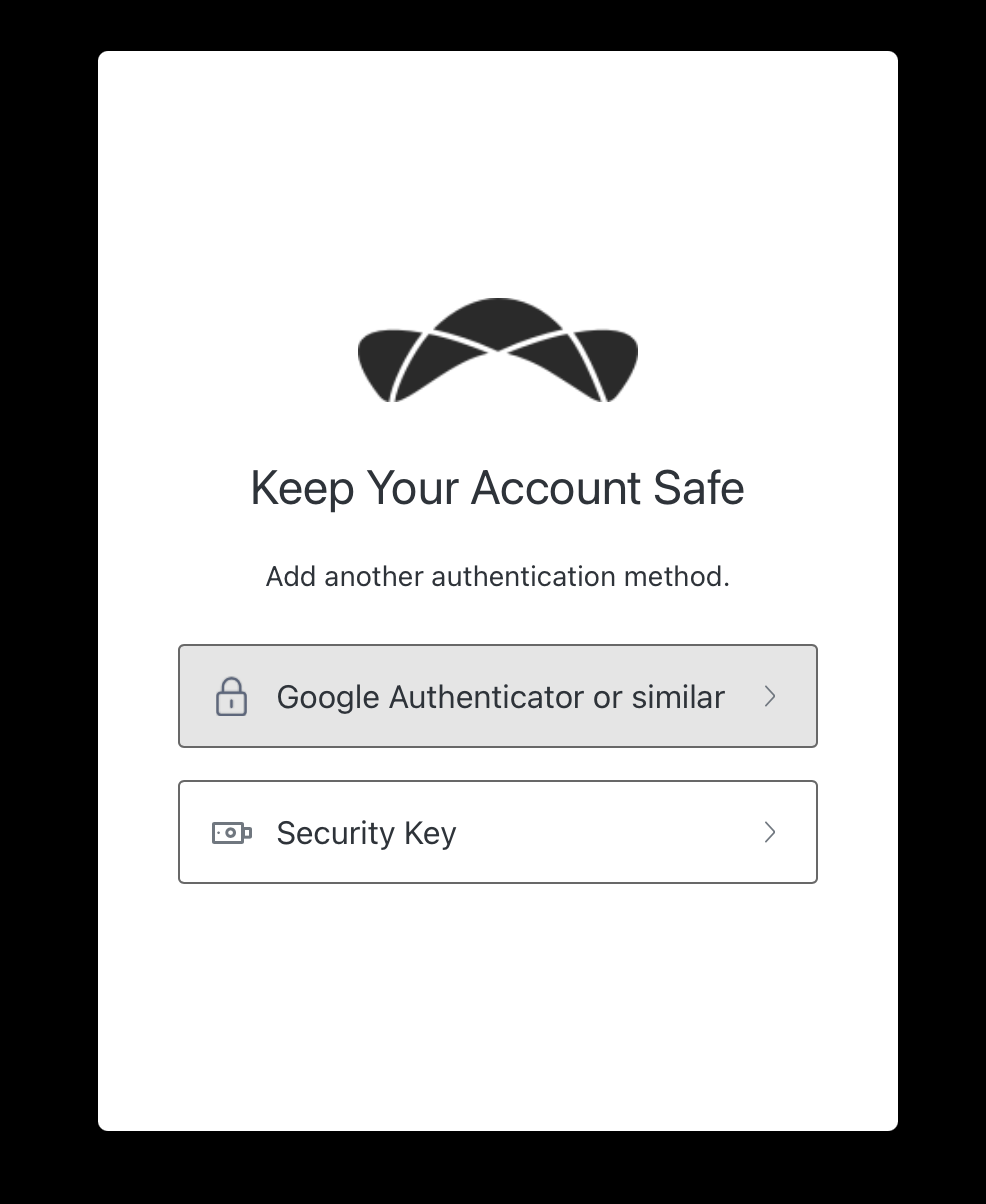
Once you have set up your MFA you are successfully registered to Topcoder and will be taken to the onboarding flow.
Topcoder Onboarding
Keeping your skills and profile information up to date increases your chances of getting more work.
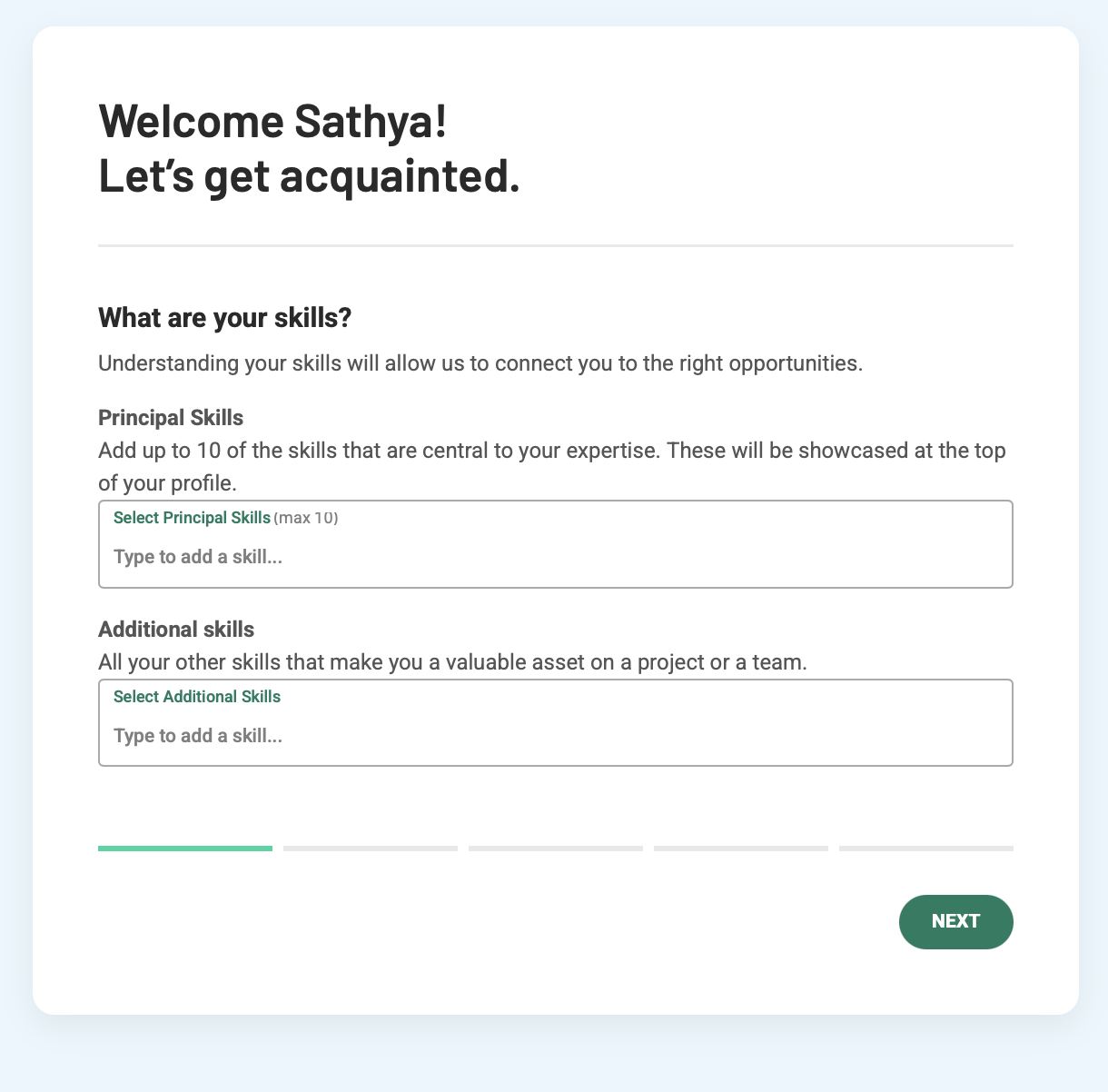
Update your skills
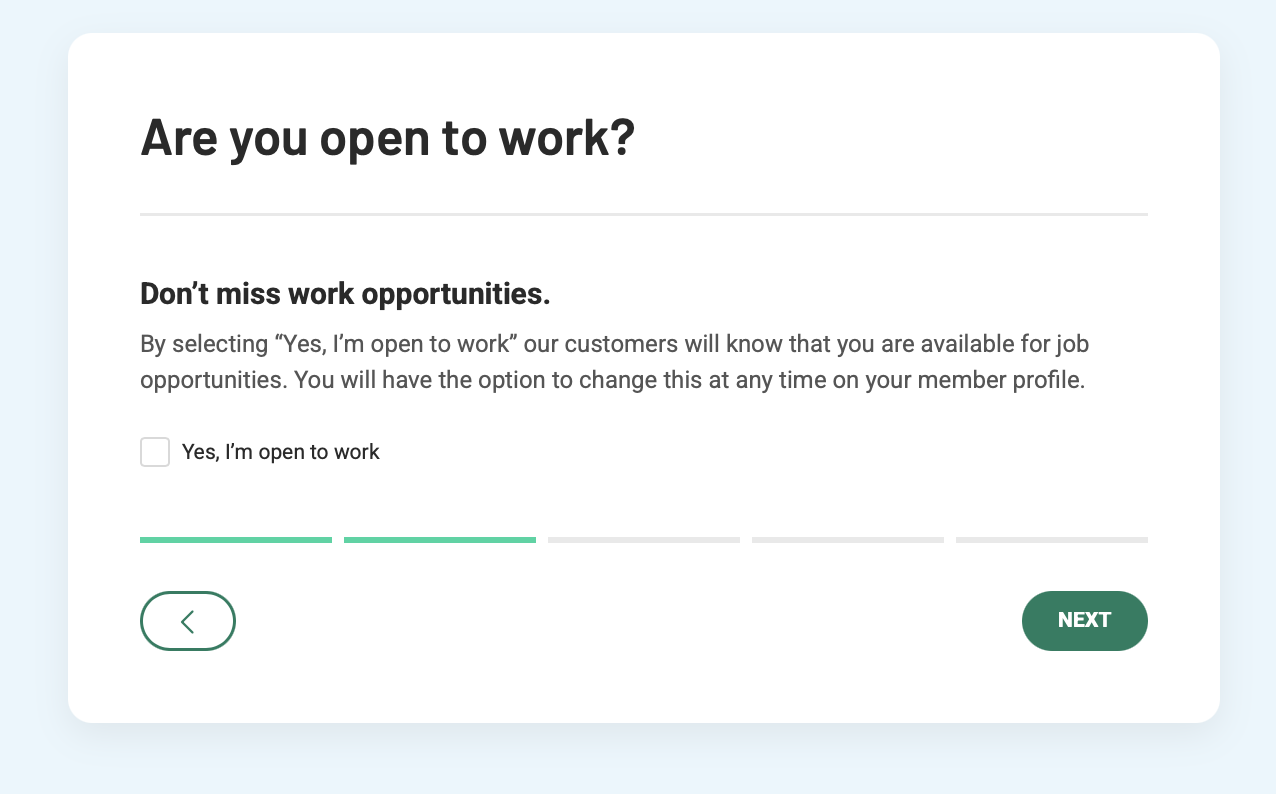
Update your availability status
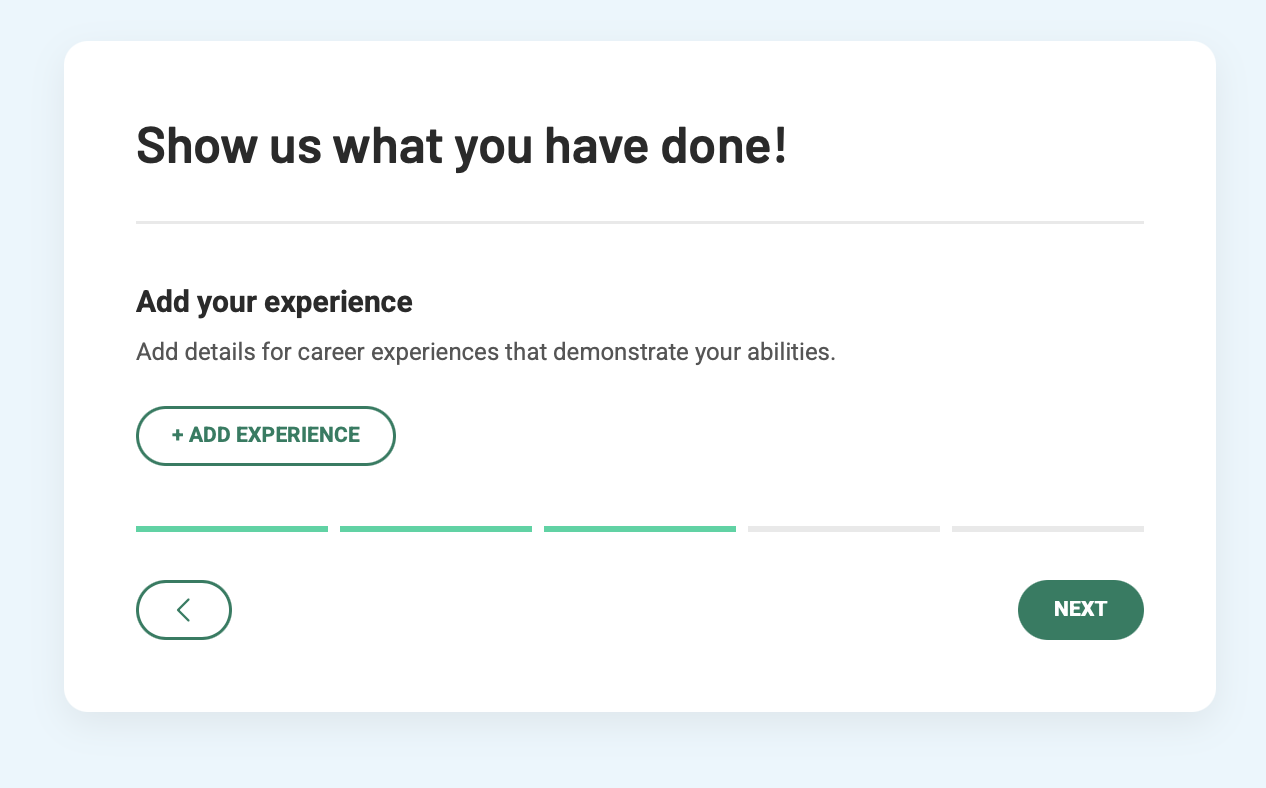
Update your work experience if you have any
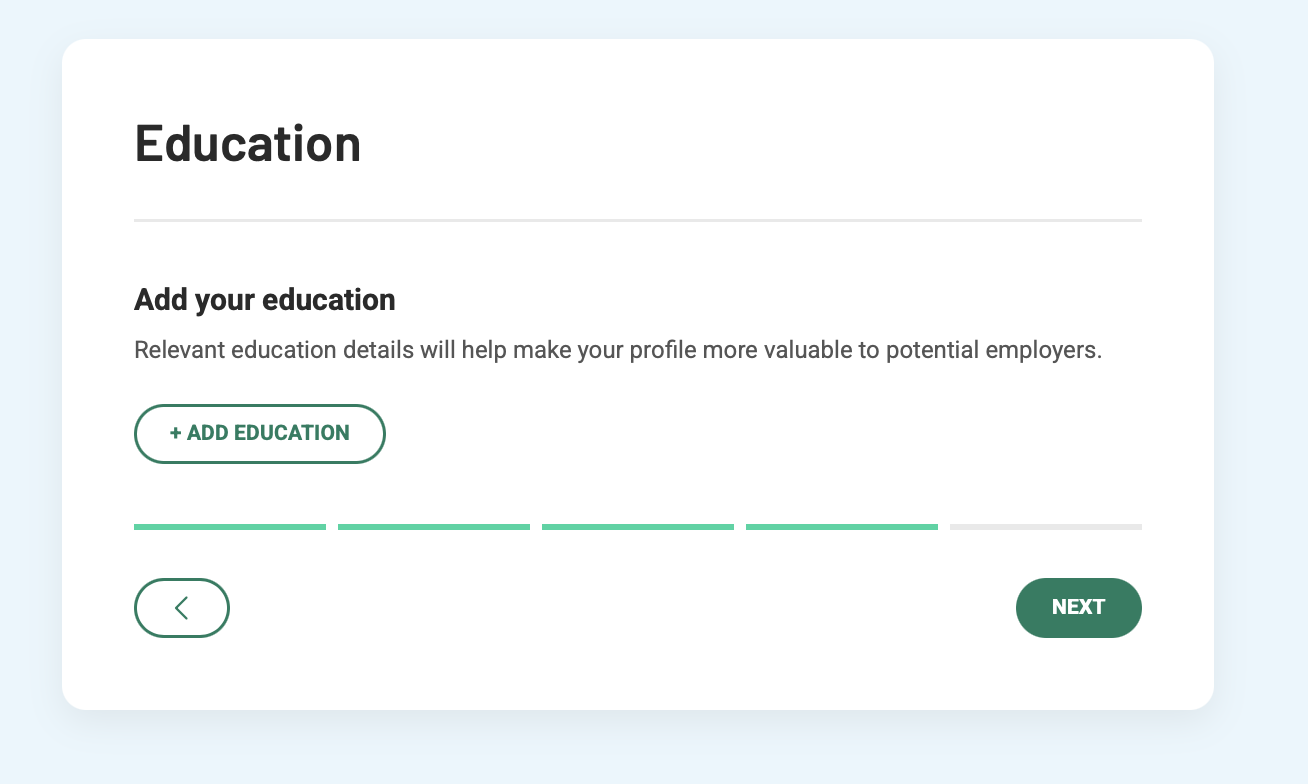
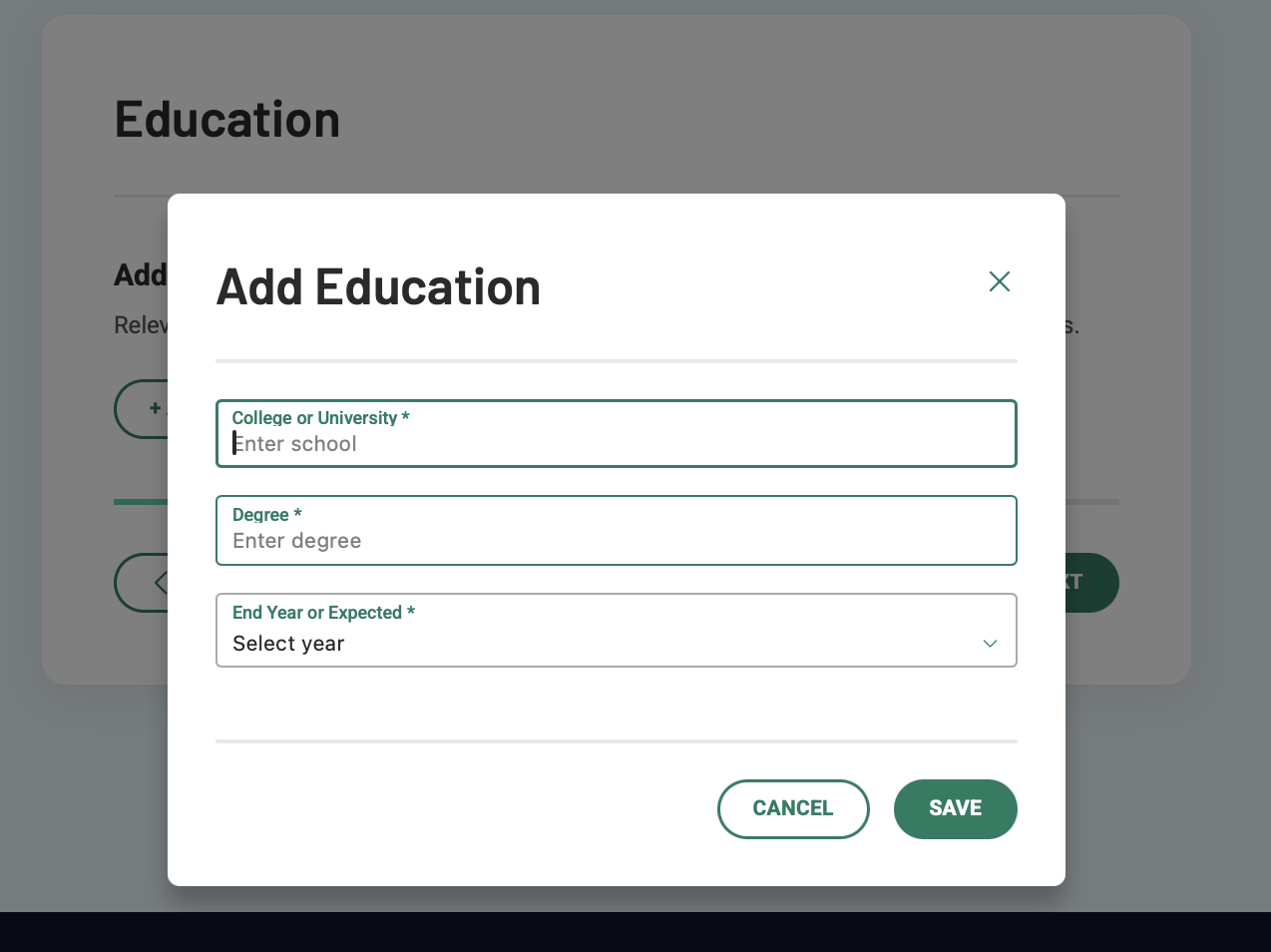
Update your education details
Upload your profile photo and enter your Bio details
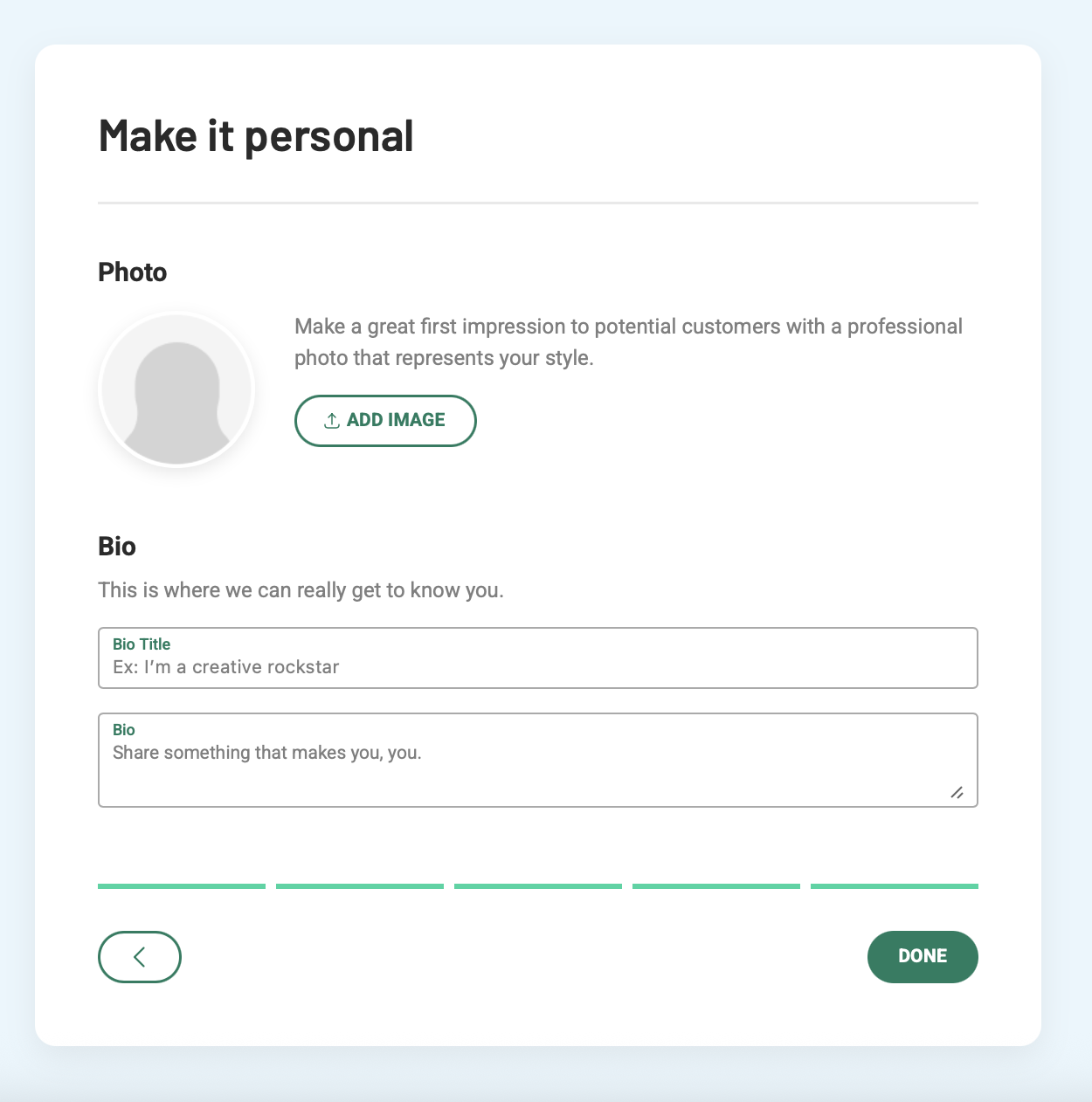
You have successfully completed your Topcoder onboarding and will be taken to your profile page.
Submit to a Topcoder challenge
Check out this video to see how to submit to a Topcoder challenge
https://www.youtube.com/watch?v=ic6klMM9_r0
Joining Discord
After creating your Topcoder account and finishing the onboarding process, you’ll be able to join the Topcoder Discord to engage with other members.
Watch the video below or check the screenshots.
https://www.youtube.com/watch?v=dXBkCW6dhP0
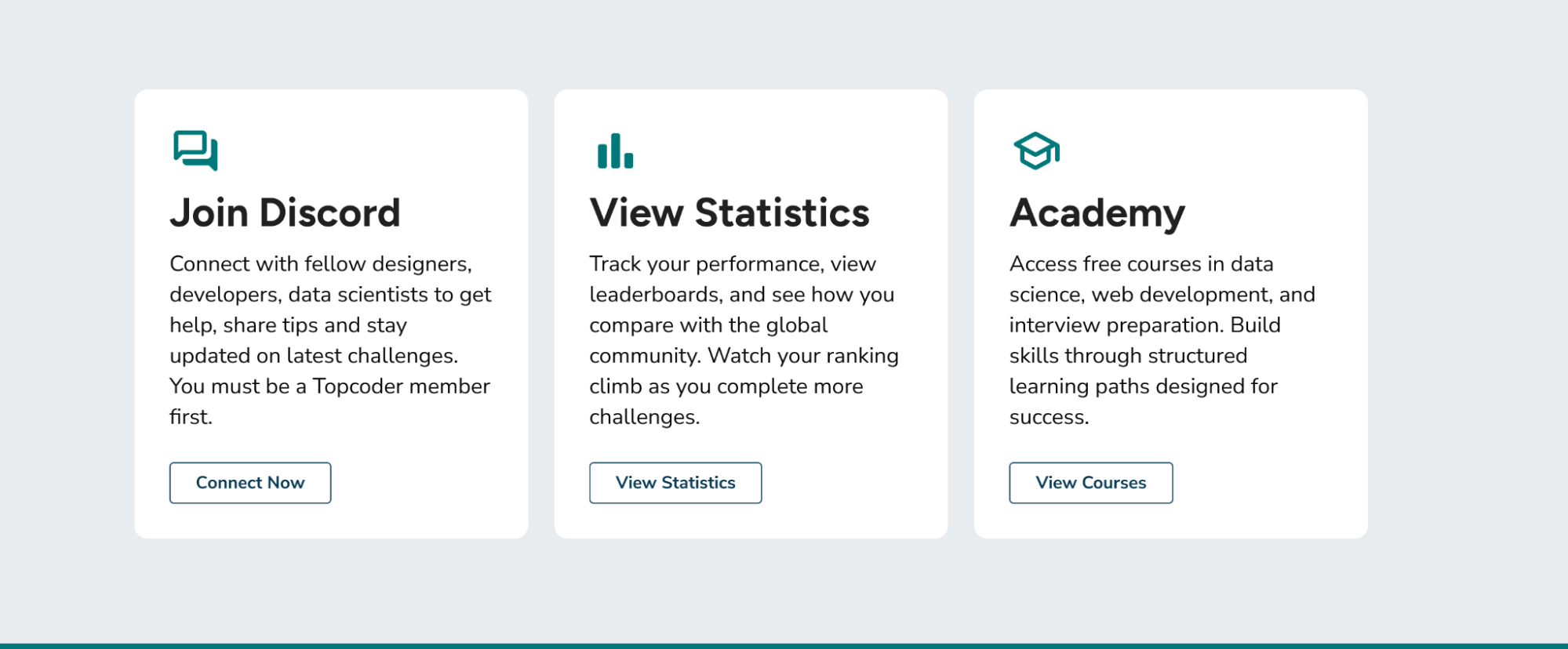
From the LPU home page click on “Connect Now” from the Join Discord section.
Create an account on Discord if you don’t have one. If you have an account, please log in.
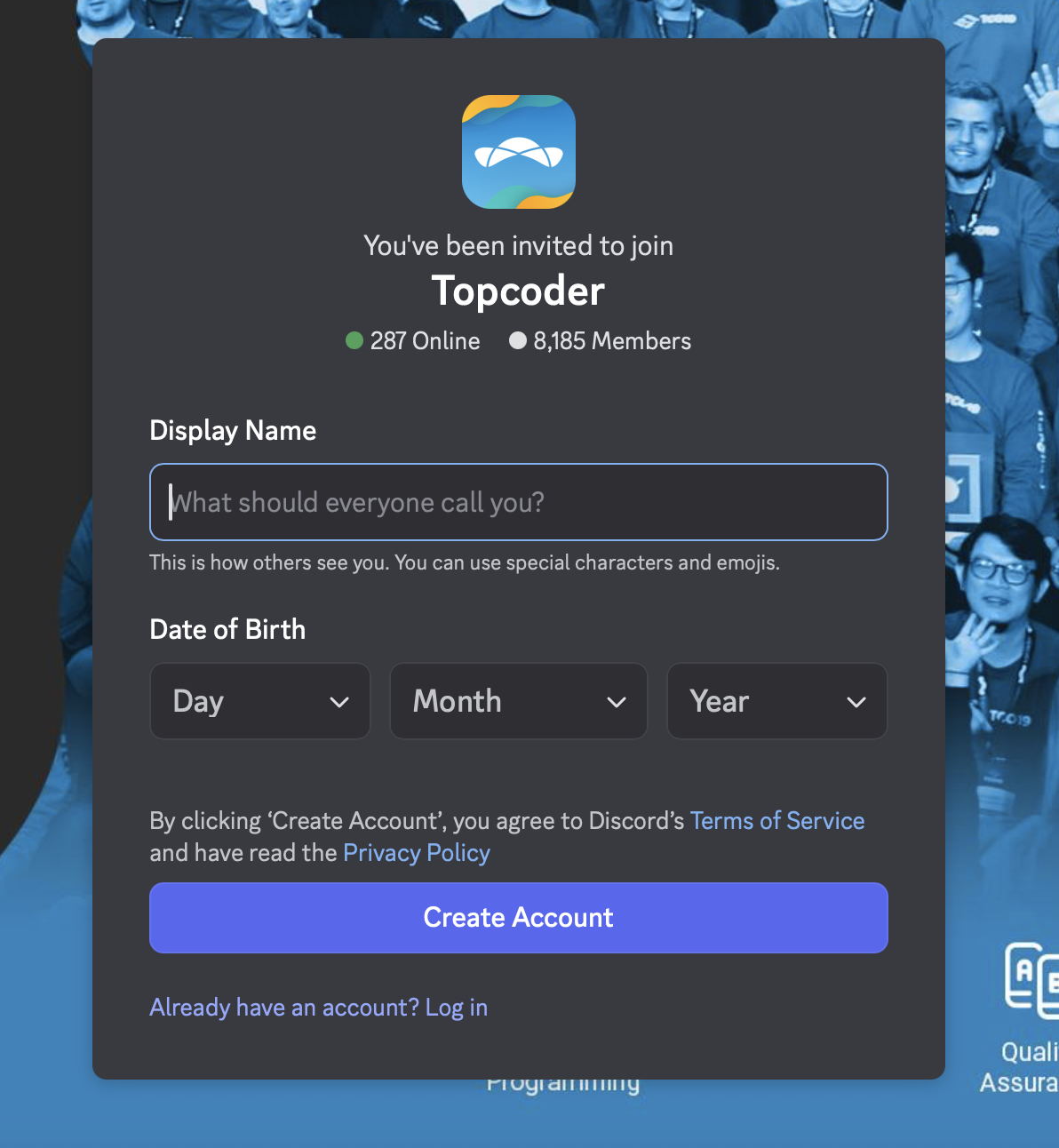
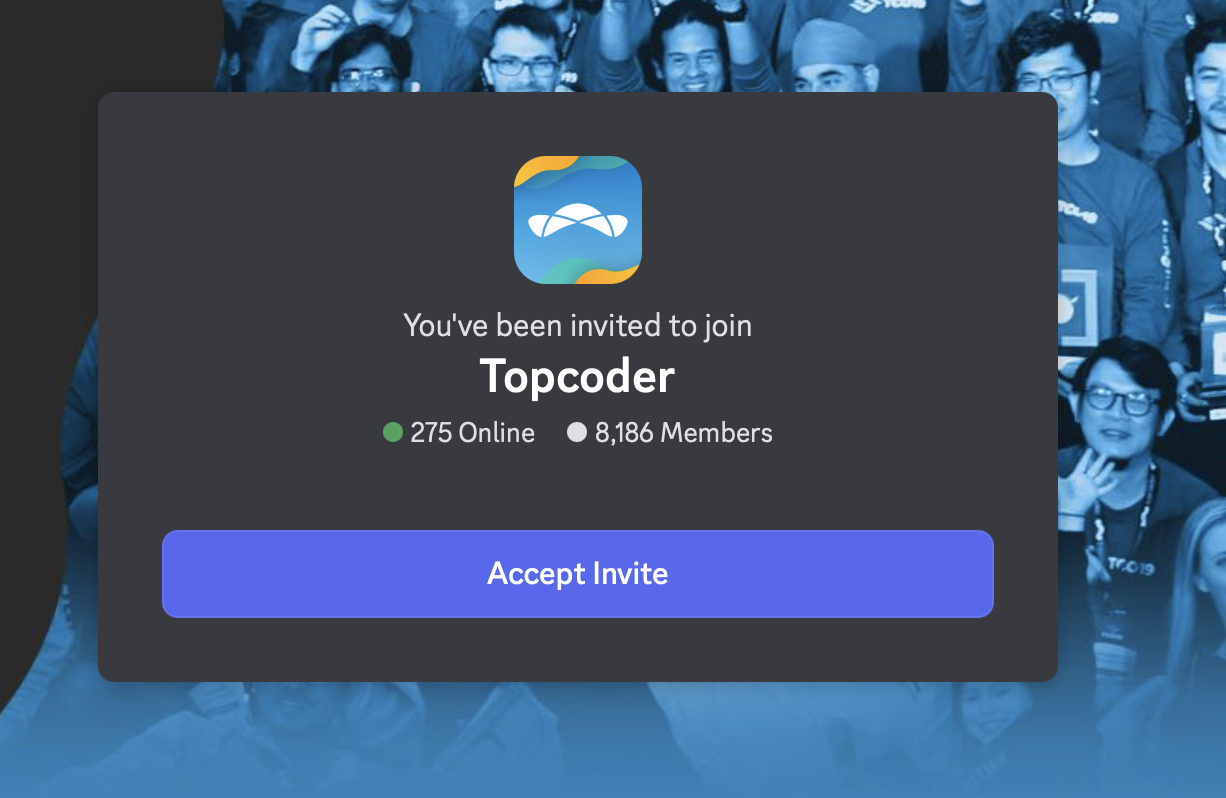
Click on Accept Invite
Verify your Topcoder account
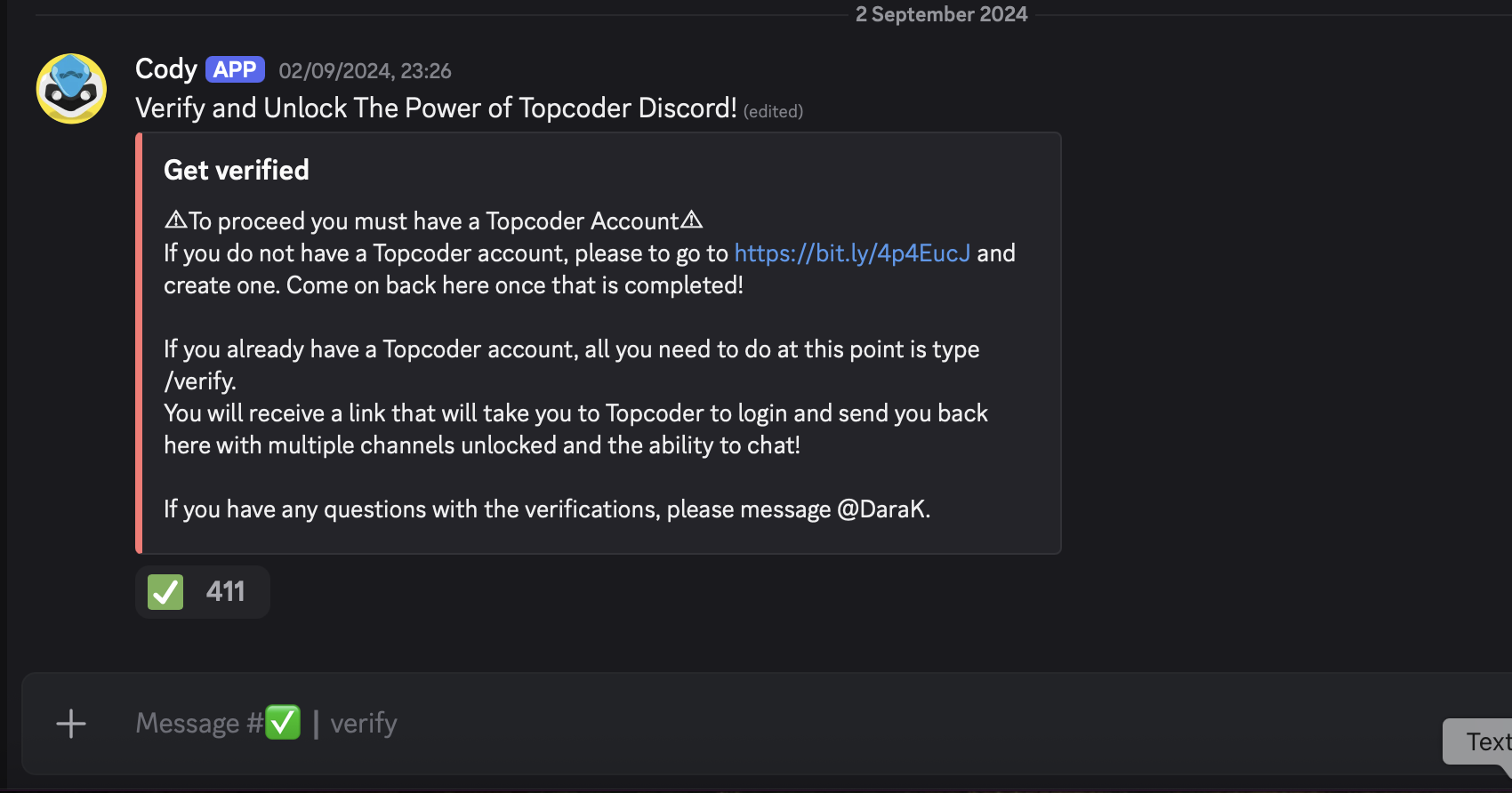
Click on the link below

You will be redirected to Topcoder and asked to login.
Once you login you will be sent back to Discord and you will be verified.
You will now be able to connect with Topcoder members and have access to Topcoder channels.

Note: If you are not able to complete verification for any reason, please try again. If you still have issues with the verification in Discord, please message the Topcoder community manager, DaraK, in Discord to help.
For any general issues or questions, you can reach us at support@topcoder.com